A Guide to Resolving Internet Connectivity Issues
Having a stable internet connection is essential in today’s digital age, whether for work, leisure, or staying connected with loved ones. However, it can be incredibly frustrating when your internet decides to act up, disrupting your online activities. From sluggish speeds to sudden dropouts, internet connectivity problems can arise for a variety of reasons. In this guide, we will explore common issues that may be causing your internet woes and provide practical solutions to help you get back online quickly.
Identifying the Problem
Before diving into potential solutions, it’s crucial to pinpoint the root cause of your internet connectivity issues. Start by checking if the problem is isolated to a specific device or if multiple devices are experiencing the same issue. If only one device is affected, the problem may lie with that particular device’s settings or hardware.
On the other hand, if all devices are affected, the issue likely stems from your internet connection itself. In such cases, it’s essential to troubleshoot your network to identify the underlying cause of the problem.
Troubleshooting Your Network
When troubleshooting network issues, it’s helpful to follow a systematic approach to narrow down the potential causes. Here are some steps you can take to diagnose and resolve internet connectivity problems:
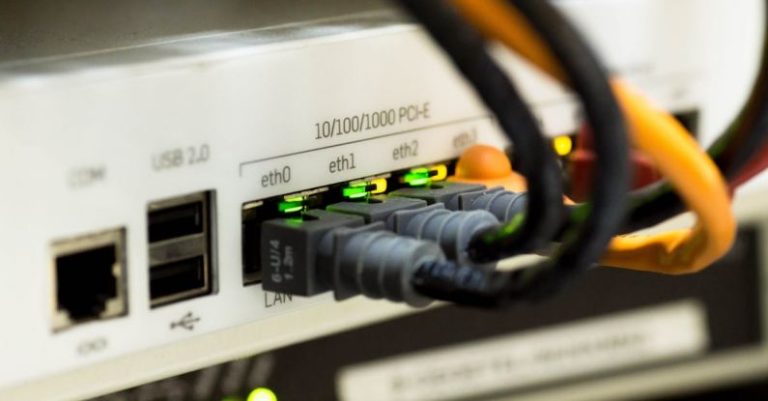
Check Your Hardware: Ensure that all cables are securely connected and that your modem and router are powered on. Sometimes, a loose connection or power outage can disrupt your internet connection.
Restart Your Devices: Sometimes, a simple reboot can work wonders. Turn off your modem, router, and devices, then power them back on after a few minutes. This can help reset your network settings and resolve minor connectivity issues.
Update Your Firmware: Regularly updating the firmware on your modem and router can improve performance and fix bugs that may be causing connectivity problems. Check the manufacturer’s website for instructions on how to update your devices.
Troubleshoot Wi-Fi Signal: If you’re using a wireless connection, check the signal strength on your devices. Move closer to the router or consider relocating it to a more central location in your home to improve coverage.
Scan for Interference: Nearby electronic devices, appliances, or even walls can interfere with your Wi-Fi signal. Keep your router away from potential sources of interference to ensure a stable connection.
Use Ethernet Connection: If possible, consider using an Ethernet cable to connect your device directly to the router. Wired connections are generally more reliable and can help troubleshoot Wi-Fi-related issues.
Contact Your Internet Service Provider
If you’ve tried the above steps and are still experiencing internet connectivity problems, it may be time to reach out to your Internet Service Provider (ISP) for assistance. Your ISP can run diagnostics on your connection, identify any service outages in your area, or provide additional troubleshooting steps tailored to your specific situation.
Final Thoughts
A stable internet connection is a necessity in today’s interconnected world. By following the tips outlined in this guide, you can effectively diagnose and resolve common internet connectivity issues, ensuring a seamless online experience. Remember to stay patient and methodical when troubleshooting your network, and don’t hesitate to seek help from your ISP if needed. With the right approach, you can overcome internet connectivity problems and enjoy uninterrupted access to the digital world.